Document accessibility
PDF Hound
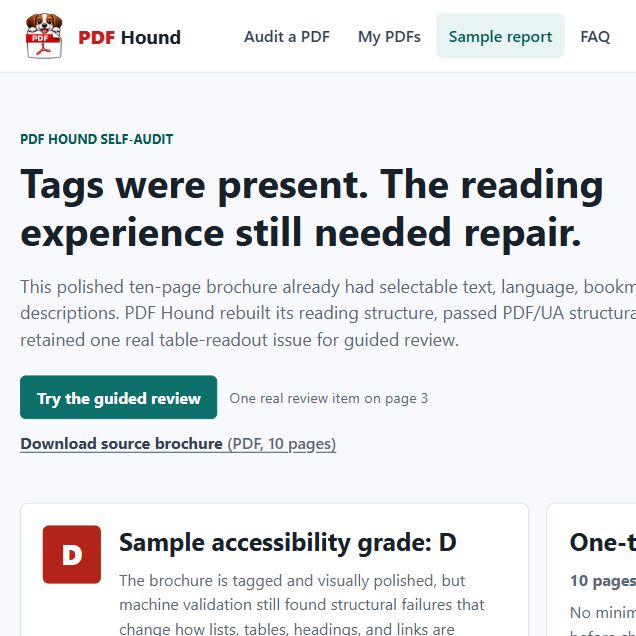
PDF accessibility, finally explained like a product.
- Role
- Product, design & engineering
- Type
- Self-serve web app
- Timeline
- Gemini XPRIZE
- Live at
- pdfhound.com
The friction
PDF accessibility is built for specialists. The incumbents gate everything behind registration, quotes, or per-seat licenses, run on desktop software, and hand you a report in tag-tree jargon. If you’re one person with one deadline-bound PDF, there’s no fast, plain-language, fixed-price way to fix it.
Where AI helps
AI does the reading a specialist would — per-page vision for reading order, alt text, headings, tables — and explains every barrier in plain English. But the parts that must be trustworthy stay out of the model’s hands: the letter grade is deterministic, a separate “semantic gate” escalates anything it can’t verify to human review, and you reorder the reading sequence and accept each change before download. AI does the labour; you keep control.
Who it helps — Designers, writers, agencies, and small businesses with one document and a deadline. Deliberately not government, healthcare, or regulated work — those are declined.
What I built
-
A deterministic audit engine
veraPDF + structure analysis + Gemini vision grades any PDF A–F and maps issues to WCAG 2.2 / PDF-UA — free, no account, in the browser.
-
An AI repair pipeline
Auto-tagging, vision-guided reading order constrained to the page’s real words (so it can’t hallucinate), alt text, language and metadata.
-
Upfront pricing + a review editor
$5 per page quoted before checkout, and a drag-to-reorder reading-sequence step that keeps the human in the loop.
Proof